Radiant
Radiant - AI Office AI工具使用教程与评测
FreeRadiant (formerly Supernormal) is an AI meeting assistant app that captures meetings without a bot and completes your work for you. Generates summaries, notes, follow-up emails, docs, and Slack updates. Trusted by 700k+ organizations.
Overview
Radiant (formerly Supernormal) is a powerful AI meeting assistant desktop app designed to enhance meeting productivity. The app captures meetings without a bot and automatically completes summaries, notes, follow-up emails, document updates, and Slack notifications. Radiant uses advanced AI technology to rapidly generate complete work outputs after meetings, helping teams save significant post-meeting organization time. Trusted by 700k+ organizations including BBDO, Pinterest, and Snap, with a G2 rating of 4.9/5.
Core Features
Bot-Free Meeting Capture
No need to add bots to meetings—the desktop app automatically captures system audio and microphone input for unobtrusive meeting recording.
AI Auto-Generated Summaries
Automatically generates structured summaries after meetings, extracting key decisions, action items, and important discussion points.
Auto Notes & Documents
Converts meeting content into editable notes and documents, supporting multiple export formats.
Follow-Up Email Generation
Automatically composes follow-up emails based on meeting content, ensuring subsequent actions are addressed.
Slack Auto-Updates
Automatically posts meeting highlights to designated Slack channels, keeping teams informed.
Real-Time Feedback & Debugging
Supports real-time transcript viewing for quick identification and correction of issues.
How to Use
- Visit the Radiant website to download the Mac client.
- Sign up and log in with your Google account or work email.
- Grant microphone and system audio permissions.
- Launch the app before your meeting starts—the system automatically captures meeting content.
- Review auto-generated summaries, notes, and follow-up materials after the meeting ends.
Key Advantages
No Bot Disruption
Unlike traditional meeting bots, Radiant silently captures through the desktop app without affecting the meeting experience.
Fully Automated Workflow
From capture to output, the entire process is automated without manual intervention, significantly improving efficiency.
Enterprise-Grade Trust
Used by 700k+ organizations with a G2 rating of 4.9/5, ensuring quality and reliability.
Privacy-First
Data processed locally, supporting enterprise-grade security and compliance requirements.
Pricing
| Plan | Price | Main Features | Suitable For |
|---|---|---|---|
| Free | $0 | Basic transcription and summaries | Personal users |
| Pro | See website | Unlimited meetings, advanced templates, integrations | Professional users |
| Enterprise | Contact sales | SSO, security compliance, dedicated support | Enterprise teams |
Pricing subject to official website, see Radiant for details.
FAQ
Get Help
- Website: https://radiantapp.com/
- Help center available for usage guides and FAQs
Download Client
Client Downloads
- Mac Client — Supports Apple Silicon and Intel Mac
Other Info
Related Tools
- Otter.ai — AI meeting transcription and note-taking tool
- Fireflies.ai — Meeting recording and collaboration platform
Related Tools
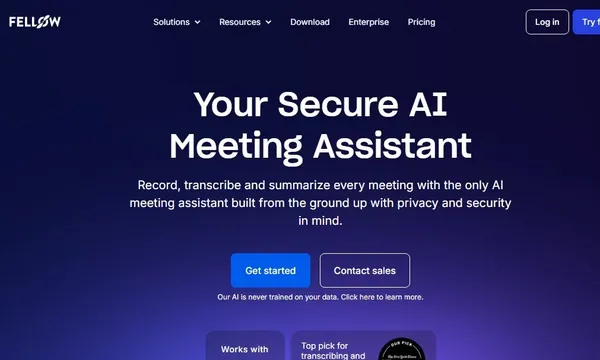
 Fellow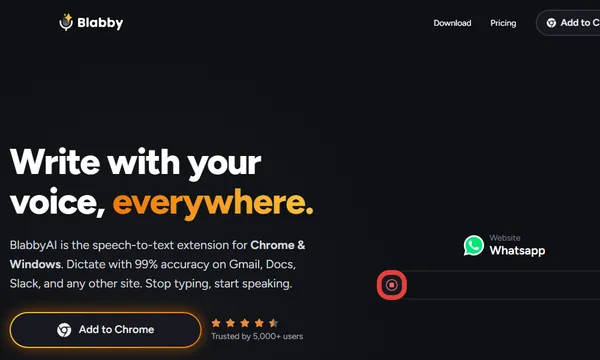
 Galaxy AI
 Lorka AI
 Human Flow