
InsightBaseAI
InsightBaseAI - Business Intelligence AI工具使用教程与评测
PaidInsightBaseAI is an intelligent data analytics platform that utilizes AI algorithms to analyze structured and unstructured data, providing decision-makers with deep business insights and visual reports.
Overview
InsightBaseAI is a powerful intelligent data analytics platform that processes and analyzes various data sources, including structured data such as CSV, Excel, databases, and unstructured data such as text documents, PDFs, and emails. The platform uses advanced AI algorithms for data mining and analysis, providing users with deep business insights and accurate trend prediction. Whether small businesses or large corporations, organizations can better understand their customer behavior, market trends, and operational efficiency with InsightBaseAI.
Core Features
Intelligent Data Import
Supports importing from various data sources, including cloud databases, spreadsheets, and various file formats. Intelligent data format recognition automatically handles different data types.
AI-driven Analytics
Uses machine learning and natural language processing to automatically identify data patterns and anomalies and provide deep insights.
Visualization Dashboard
Offers a range of professional dashboards and chart templates with free customization options for intuitive data presentation.
Predictive Modeling
Built-in advanced statistical models that can accurately forecast future trends and outcomes to assist with strategic planning.
Real-time Monitoring
Supports real-time data stream connection with 24/7 continuous monitoring and alerting functions to ensure timely detection of key business changes.
How to Use
Register InsightBaseAI account and complete verification, choosing suitable subscription plan based on business scale.
Import your data sources via connectors or direct upload (CRM, ERP, CSV formats, etc.).
Utilize data cleansing features for preprocessing, removing redundant information and missing values to optimize data quality during preparation stage.
Select analysis models or create custom analysis projects, establishing research goals and focus metrics.
After running analysis, view AI-generated insights reports and visual charts, adjusting analysis dimensions as needed.
Create personalized dashboards and share analysis results with team members or senior management.
Key Advantages
Lower Technical Barrier
No professional data analysis knowledge required, enabling regular business personnel to easily create valuable analytical reports.
Improved Analysis Efficiency
Reduces analysis tasks that originally took days to minutes, quickly responding to business needs.
Deep Insights
AI algorithms can discover data associations and patterns difficult to detect through traditional methods.
Secure and Reliable
Employs bank-level data encryption and access control to ensure sensitive data security.
Pricing
| Plan | Price | Features | Audience |
|---|---|---|---|
| Basic | $29/month | 3 projects, up to 5,000 records | Small Businesses |
| Pro | $99/month | 10 projects, up to 50,000 records | Medium Businesses |
| Enterprise | $299/month | Unlimited projects, unlimited records | Large Enterprises |
| Premium | $599/month | Custom API, priority support | Enterprise Groups |
All paid versions offer 14-day free trial, see pricing page for details.
FAQ
Get Help
- Official Documentation: Knowledge Base
- Technical Support: Contact Support
- Online Training: Video Tutorials
- Community: User Forum
Download Client
Client Downloads
- Windows Client — Supports Windows 10/11
- macOS Client — Supports macOS 12+, includes Apple Silicon version
- Chrome Extension — Quick analysis plugin within browser
Other Info
Related Tools
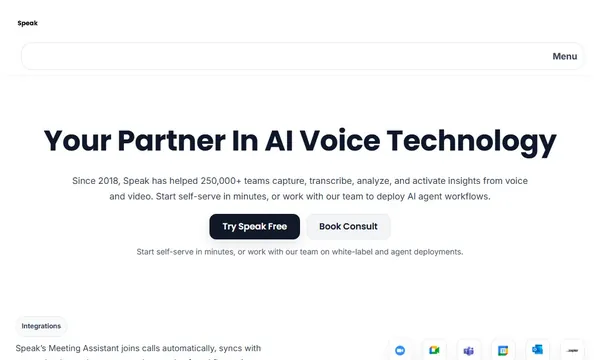
 Speak AI
 Fusedash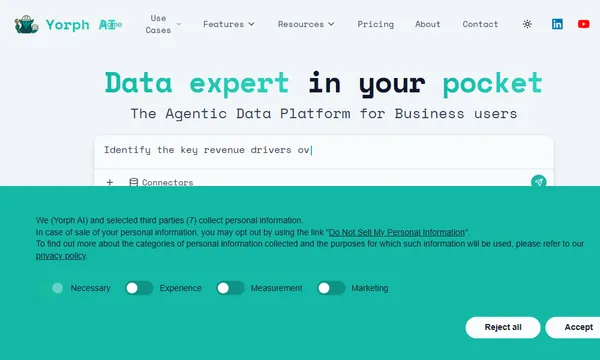
 Yorph AI
 Liminary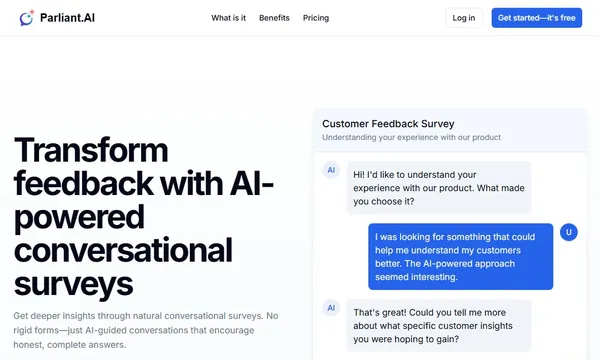
 Parliant.AI
 Bizway