Audo
Audo - AI Audio & Music AI工具使用教程与评测
FreemiumAudo is an AI-powered audio enhancement and noise reduction tool designed to improve audio quality for podcasts, video productions, and remote meetings, creating a professional sound effect.
Overview
Audo is a professional audio enhancement tool powered by artificial intelligence, focusing on audio denoising and quality enhancement, providing excellent audio processing solutions for podcasters, content creators, and remote workers. It intelligently identifies and eliminates background noise, echoes, and interference while enhancing speech clarity and dynamic range. Audo aims to bring professional recording studio quality audio to everyone, whether in noisy home environments or temporary workspaces.
Core Features
Intelligent Denoising
Denoising features based on deep learning algorithms can precisely separate voice and background noise, flawlessly removing AC hum, keyboard clicks, traffic noise, and other interference.
Real-time Processing
Provides real-time audio processing capabilities to directly apply denoising effects without waiting for post-processing, improving work efficiency.
Voice Enhancement
Specifically optimizes vocal frequencies to highlight speaker voices, improving clarity and understandability, particularly suited for podcasts and educational content.
Audio Restoration
Restores aged audio files, improves low fidelity recordings, and recovers lost audio details.
Multi-platform Support
Supports desktop and browser extensions and integrates with mainstream communication tools like Zoom, Microsoft Teams, and Skype.
How to Use
Visit Audo website register account and download/install desktop application or browser extension.
In settings interface, adjust noise suppression levels and voice enhancement parameters for micro-adjustment according to environment and personal preferences.
Activate Audo real-time processing when recording podcasts, online meetings, or processing existing audio files.
For processing existing audio files, upload raw audio files to Audo application and select appropriate processing mode.
Preview processed audio effects, further micro-adjust parameters as needed until satisfied.
Export completed audio files, save in required format, or directly send live audio streams to selected platform.
Key Advantages
Professional Quality
Uses advanced AI algorithms to provide audio processing effects comparable to professional recording studios.
Easy to Use
Intuitive interface design that requires no professional audio engineering knowledge.
Efficient and Energy-saving
Local processing ensures minimal latency without increasing cloud computing burden or extra costs.
Strong Compatibility
Supports various microphones and audio devices with widespread compatibility across mainstream operating systems.
Pricing
| Plan | Price | Features | Audience |
|---|---|---|---|
| Personal | $19.99/month | 10 hours audio processing, real-time denoising | Individual podcasters |
| Pro | $49.99/month | 50 hours audio processing, priority support | Content creators |
| Team | $89.99/month | 200 hours audio processing, multi-user collaboration | Production teams |
| Enterprise | $159.99/month | Unlimited processing, custom integration | Corporate institutions |
Paid plans come with 30-day money-back guarantee, visit pricing page for details.
FAQ
Get Help
- Official Documentation: User Guide
- Online Help: Help Center
- Technical Support: Submit Ticket
- Community Resources: User Community
Download Client
Client Downloads
- Windows Client — Supports Windows 10/11
- macOS Client — Supports macOS 10.14+
- Chrome Extension — Integrated with browser meetings
Other Info
Related Tool Recommendations
- Descript — Innovative audio-text editing toolkit
- iZotope — Professional audio post-production suite
- Adobe Podcast — Adobe's voice content creation tool
Related Tools
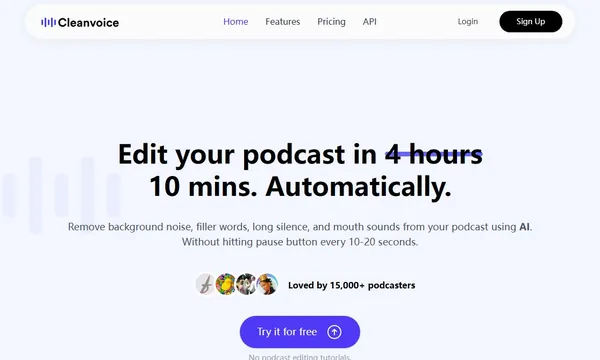
 Cleanvoice AI
 Adobe Podcast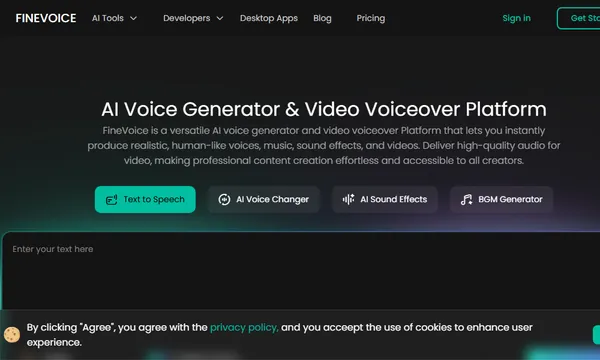
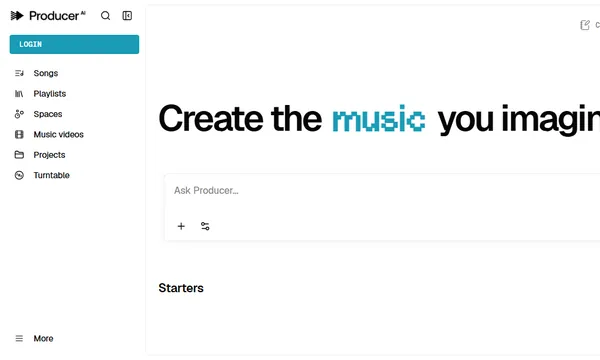
 Producer.ai
 AI Song Maker