FlowSpeech
FlowSpeech - AI Audio & Music AI工具使用教程与评测
FreeFlowSpeech is an innovative AI-powered text-to-speech tool that generates natural, expressive voices with emotion control, precise pause control, and professional-grade audio output, suitable for podcasts, audiobooks, and video voiceovers.
Overview
FlowSpeech is an AI-powered Text To Speech studio that understands context, seamlessly integrates pause and emotion control, and delivers professional TTS audio that sounds like a real human. Designed for content creators, digital marketers, and educators, FlowSpeech enables the creation of high-quality, human-grade audio content. The core technology is its AI-driven text-to-speech engine that comprehends context, analyzing the sentiment, timing, and nuance of your script to ensure the generated audio conveys the intended emotional impact.
Core Features
Context-Aware Emotion Delivery
Our text-to-speech engine doesn't just read words; it comprehends the full context. It automatically infuses the right sentiment - be it joy, sorrow, or excitement - ensuring your audio conveys a rich range of emotions.
Custom Emotion and Accent
Simply add brackets like [] to instruct the text to speech model to perform specific actions. You can tell the AI to whisper, shout, or switch to a strong British accent.
Precise Pause Controls
With FlowSpeech, you can insert pause tags such as [1.0s] to time every beat of your script, eliminating the need to export files to a DAW for post-production editing.
Single Speaker Auto Markup
When using Single Speaker mode, simply upload your file, and FlowSpeech's AI reads it, analyzes the tone, and automatically inserts appropriate emotion tags.
Multi Speaker Auto Voice Matching
FlowSpeech automatically detects different speakers within your text, splits the script accordingly, and pairs each segment with a suitable AI voice, automating the production of complex, multi-voice conversations.
How to Use
- Visit FlowSpeech website https://flowspeech.io/ and register an account
- Choose generation mode: Single Speaker for monologues, Multi Speaker for conversations, or Instant Speech for quick results
- Enter text or upload files (PDF, DOC, PPT, TXT, EPUB, images supported)
- Add emotion or pause tags: type [ to open command palette and add tags
- Select the right voice: browse and pick from 30 distinct voices across four styles
- Generate and download: click generate button and download high-quality audio
Key Advantages
Lifelike, Natural Delivery
Our neural Text To Speech engine keeps prosody, breaths, and pacing natural, ensuring broadcast-ready audio quality.
30 Voices Across Four Styles
Choose from serious news anchors, energetic marketing voices, warm storytelling narrators, and expressive characters to fit any project.
Multi-language Support
Supports text-to-speech conversion in multiple languages, meeting the needs of global creative teams.
Efficient Workflow
Batch file processing, automatic voice matching, and fast generation engine for efficient content creation.
Professional Quality
Editorial-grade voice output suitable for podcasts, audiobooks, video voiceovers, and commercial advertisements.
Pricing
| Plan | Price | Main Features | Ideal For |
|---|---|---|---|
| Free | $0/month | 5000 chars/month, 5 guests | Beginners |
| Basic | $15/month | 200,000 chars/month, 30+ voices | Individual creators |
| Pro | $45/month | 1,000,000 chars/month, 30+ voices | Professional users |
| Scale | $159/month | 4,000,000 chars/month, 30+ voices | Enterprise |
Yearly subscription saves 33%! All plans support commercial use for various creative scenarios.
For the latest pricing, please visit FlowSpeech Pricing Page https://flowspeech.io/pricing.
FAQ
Get Help
- FlowSpeech Support Page https://flowspeech.io/faq for FAQs and answers
- Email Support: Send to support@flowspeech.io, typically replied within 24 hours
- Video Tutorials: YouTube channel provides detailed usage tutorials and tips
- Community: Join Discord community to exchange experiences and tips with other users
Download Client
- Windows Client https://flowspeech.io/download/windows Supports Windows 10/11
- macOS Client https://flowspeech.io/download/mac Supports macOS 12+
- Chrome Extension https://chrome.google.com/webstore/detail/flowspeech Supports Chrome/Edge browsers
You can also use FlowSpeech directly through any web browser, all features are available online without downloading any applications.
Other Info
Related Tools
- ElevenLabs /tool/201 High-quality AI voice synthesis and cloning service
- Murf.ai /tool/202 Professional AI voice generation and video voiceover tool
- Resemble.ai /tool/203 AI voice generation platform for creative professionals
Related Tools

 VoiceAIWrapper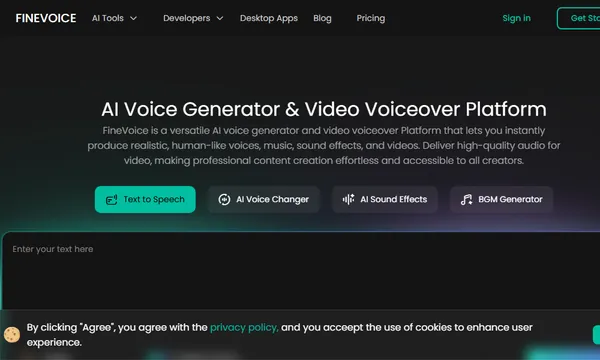
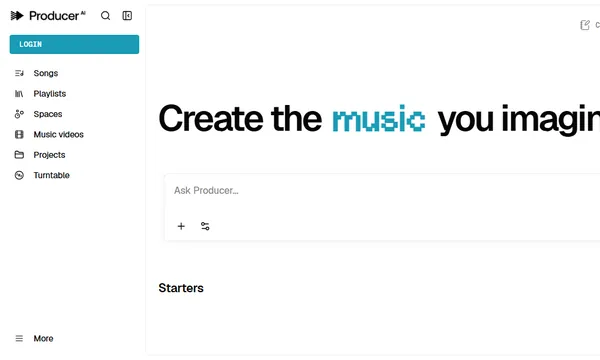
 Producer.ai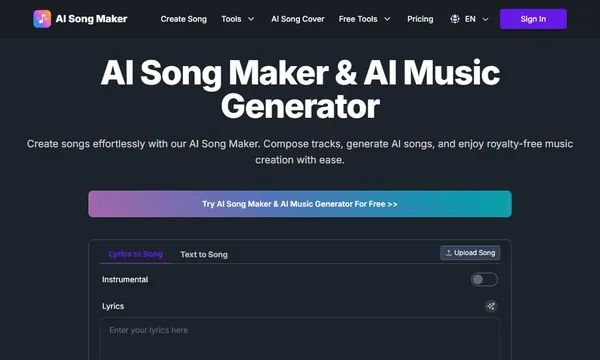
 AI Song Maker