
Airbrush Image Enhancer
Airbrush Image Enhancer - AI Image Editing AI工具使用教程与评测
FreemiumAirbrush AI Image Enhancer is a powerful online AI photo editor that upscales images, enhances colors, improves clarity, and reduces noise. Perfect for photographers and content creators.
Overview
Airbrush Image Enhancer is an AI-powered online photo enhancement tool that automatically optimizes colors, contrast, clarity, and resolution. Using advanced AI algorithms, it intelligently identifies and fixes image imperfections, transforming ordinary photos into professional-quality results. Perfect for product photography, real estate images, family photos, and social media content. Supports batch processing with no software download required - works directly in your browser.
Core Features
Core Features
Smart Color & Contrast Enhancement
Automatically adjusts tonal balance for more vibrant colors and pronounced contrasts, highlighting shadows and highlights for realistic results.
Clarity & Sharpness Improvement
AI algorithms sharpen edges and textures, enhancing overall image clarity for a more professional appearance.
Intelligent Noise Reduction
Advanced algorithms smooth out noise and artifacts, removing graininess for clean, polished images.
AI Super Resolution Upscaling
Increases pixel count while maintaining clarity and detail, ideal for large-format printing or zooming in.
Multi-Scene Presets
Offers Portrait, Object, Scenery, Pets, and Text modes with automatic parameter optimization.
One-Click Processing
Simply drag and drop your image - AI handles all optimization automatically.
How to Use
How to Use
Visit the Airbrush website - free to use basic features without registration.
Click 'Upload Image' or drag your photo to the processing area, or upload from your mobile device.
Select a scene mode (Portrait/Object/Scenery/Pets/Text) or let AI auto-detect the best optimization.
Click the process button and wait for AI enhancement, typically completes in seconds.
Preview the enhanced result with before/after comparison.
Download your optimized image, or register for an account to unlock premium features.
Key Advantages
Key Advantages
Zero Learning Curve
Clean, intuitive interface requires no photo editing experience - anyone can start immediately.
Cloud Processing
All processing happens in the cloud, no local resource consumption - works smoothly on older devices.
Free to Try
Offers a free version so you can test basic features before upgrading to paid plans.
Cross-Platform Support
Available on Windows, macOS, iOS, and Android - edit photos anywhere, anytime.
Pricing
Pricing Plans
| Plan | Price | Key Features | Best For |
|---|---|---|---|
| Free | $0 | Basic editing tools, limited AI features | Trial users |
| Premium | $4.99/month | Full AI features, advanced portrait retouch, unlimited saves | Photo enthusiasts |
| Pro | $9.99/month | Commercial license, batch processing, priority queue | Professional photographers |
| Team | Contact sales | Multi-user collaboration, enterprise license, dedicated support | Design teams |
Pricing subject to official website. 7-day free trial available.
FAQ
Get Help
Support
- Help Center - Detailed tutorials and FAQs
- Email support - contact@airbrush.com
- Official Blog - Latest updates and tips
Download Client
Download
- Windows — Windows 10/11
- macOS — macOS 12+
- iOS App — iOS 14+
- Android App — Android 8+
Other Info
Related Tools
- AI Video Enhancer — AI video quality upscaler
- AI Background Remover — One-click background removal
- AI Object Remover — Intelligently remove unwanted objects
- Photo Restoration — Old photo restoration and enhancement
Related Tools
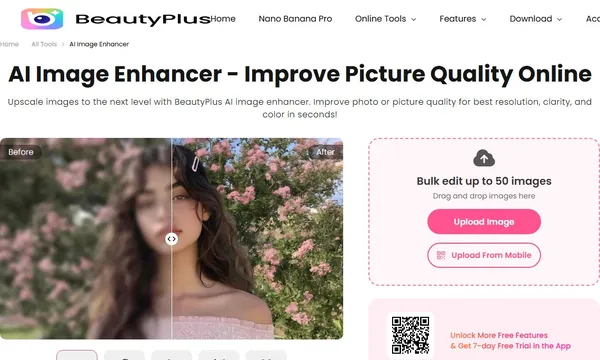
 BeautyPlus AI Image Enhancer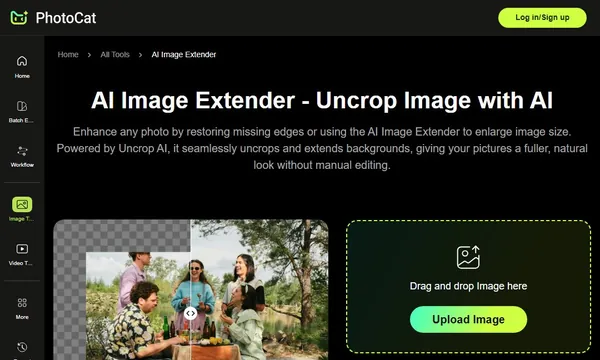
 PhotoCat AI Image Extender
 X-Design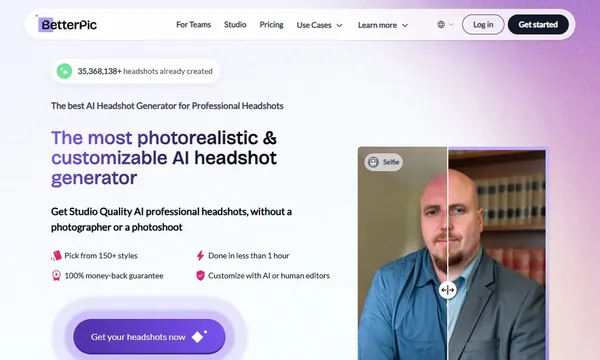
 BetterPic
 Aragon.ai
 Luminar NEO