
Figma AI
Figma AI - AI Design AI工具使用教程与评测
FreemiumFigma is the world's leading collaborative interface design tool, combining design, prototyping, and developer handoff in one platform. It supports real-time multi-user collaboration and offers a suite of products including Figma Design, FigJam whiteboard, Figma Slides, Dev Mode, and AI-powered features used by teams at Airbnb, Microsoft, Stripe, and more.
Overview
Figma is the world's most popular collaborative interface design tool, enabling designers, product managers, and developers to work together on a single platform. It covers the entire product design lifecycle from brainstorming to high-fidelity design and developer handoff. Recent AI innovations include Figma Make (prompt-to-code), Figma Sites (publish responsive websites), and MCP support for AI coding tool integration.
Core Features
- Figma Design: Professional UI design and prototyping with components, auto layout, and variables; 2. FigJam: Online digital whiteboard for brainstorming, flowcharts, and agile workflows; 3. Dev Mode: Auto-generates code annotations from designs with CSS, iOS, and Android export; 4. Figma Slides: Collaborative presentation creation; 5. Figma Make: Generate interactive code prototypes from natural language prompts; 6. Figma Sites: Publish designs directly as responsive websites; 7. Figma AI: AI-assisted design generation, content fill, and layout suggestions; 8. MCP support: Connect to Claude and other AI coding tools via Model Context Protocol; 9. Rich plugin ecosystem: Thousands of community plugins, UI kits, icons, and templates.
How to Use
- Visit figma.com and sign up for a free account; 2. Create a design file and use vector tools and component libraries for UI design; 3. Add prototype interactions to preview user flows; 4. Invite team members for real-time collaboration and use comments for feedback; 5. Enable Dev Mode for developers to access code annotations and assets; 6. Use Figma Make to generate code prototypes from text prompts; 7. Connect AI coding tools via MCP for intelligent development assistance.
Key Advantages
- Industry standard: The go-to tool for design teams worldwide with the richest ecosystem; 2. Cross-platform collaboration: Works directly in the browser with no installation required; 3. Real-time collaboration: Multiple editors simultaneously, eliminating version conflicts; 4. Leading AI capabilities: Figma Make, Figma Sites, and other AI products drive continuous innovation; 5. Developer-friendly: Dev Mode significantly reduces design-to-development communication overhead; 6. Rich plugin ecosystem: Thousands of community plugins for every workflow need.
Pricing
Free: 3 projects, basic collaboration. Professional: $15/editor/month, unlimited projects and version history. Organization: $45/editor/month, design system management and advanced permissions. Enterprise: $75/editor/month, SSO and advanced security compliance. FigJam has separate pricing with a free tier for 3 files.
Get Help
Official website: figma.com; Help center: help.figma.com; Shortcut blog for design best practices; Online ticket submission; Extensive video tutorials, webinars, and resource library; Free access available for educational institutions.
Download Client
Browser-based (recommended, no installation needed); Desktop clients for macOS and Windows; Mobile apps for iOS and Android (mirror preview); Font installer available as a separate download.
Other Info
Figma supports MCP (Model Context Protocol) for deep integration with AI coding tools like Claude and Cursor, enabling intelligent design-to-code conversion. The Figma Community offers vast free resources including UI kits, icon libraries, plugins, and templates. After the Adobe acquisition plan was terminated, Figma continues to operate independently and innovate rapidly.
Related Tools

 AI Logo Maker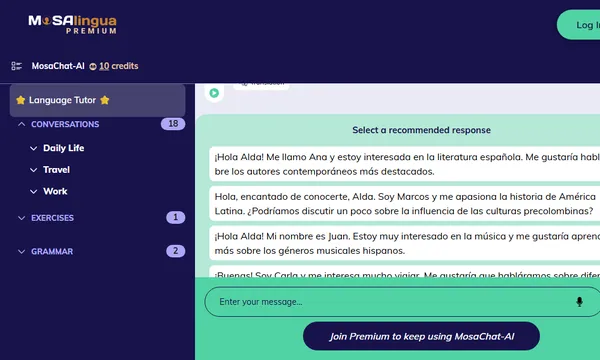
 MosaChat-AI

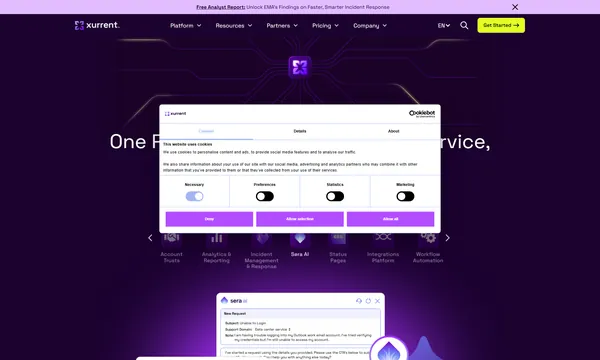
 Xurrent
 Happily.ai