
S
Spellar AI
Spellar AI - Others AI工具使用教程与评测
FreemiumSpellar AI is an AI-powered writing assistant that helps users improve their grammar, spelling, and overall writing clarity.
Overview
Spellar AI is positioned as an intelligent writing companion designed to enhance the quality of written communication. Its main use cases include proofreading documents, emails, academic papers, and creative writing to ensure they are error-free and polished.
The tool is targeted at a broad audience, including students, professionals, content creators, and non-native English speakers who need to produce clear and professional written content efficiently.
Core Features
- AI-Powered Grammar Check: Spellar AI uses advanced artificial intelligence to detect and correct complex grammatical errors that traditional spell checkers might miss, ensuring high-quality writing.
- Contextual Spelling Correction: It goes beyond simple spell checking by understanding the context of your sentences to correct homophones and commonly confused words, improving accuracy.
- Clarity and Style Suggestions: The tool analyzes your writing to offer suggestions for improving sentence structure, word choice, and overall readability, helping you communicate more effectively.
- Plagiarism Detection: Spellar AI can scan text for potential plagiarism, helping users ensure the originality of their work, which is crucial for academic and professional integrity.
- Multi-Platform Accessibility: It is accessible as a web application and offers browser extensions, allowing users to check their writing directly within their workflow on various platforms like email clients and document editors.
- Personalized Writing Reports: Users receive detailed feedback and summaries on their common mistakes and writing patterns, enabling them to learn and improve their skills over time.
How to Use
- Access the Tool: Visit the Spellar AI website or install the browser extension from the appropriate web store.
- Input Your Text: Paste or type the text you want to check into the provided text box on the web interface.
- Initiate Analysis: Click the button to start the AI analysis process. The tool will scan your text for errors.
- Review Suggestions: Examine the highlighted errors and suggestions provided by Spellar AI, which will include corrections for spelling, grammar, and style.
- Apply Corrections: Accept or ignore the individual suggestions. You can click on a suggestion to apply the change to your text automatically.
- Finalize Your Text: Once all desired corrections are made, copy the corrected text from the editor for use in your final document or application.
Key Advantages
- Advanced AI Context Understanding: Unlike basic checkers, Spellar AI's engine understands sentence context, leading to more accurate corrections for nuanced errors like wrong word usage.
- Comprehensive Writing Analysis: It provides a holistic review covering grammar, spelling, style, and originality in one integrated tool, saving users time from using multiple separate services.
- Seamless Integration: The availability of browser extensions allows for real-time correction within everyday writing tools like Gmail, Google Docs, and social media, enhancing productivity.
- Educational Feedback: By providing detailed reports on writing patterns, it helps users learn from their mistakes and become better writers, offering long-term value beyond just correction.
FAQ
What types of errors can Spellar AI correct?▼
Is Spellar AI suitable for non-native English speakers?▼
How does Spellar AI protect the privacy of my text?▼
Can I use Spellar AI on my mobile device?▼
Does Spellar AI work with languages other than English?▼
How accurate is the AI compared to human proofreaders?▼
Get Help
- Help Center / Documentation: Access online guides and articles that explain features and troubleshoot common issues.
- Email Support: Contact the support team directly via email for personalized assistance with technical problems or account inquiries.
- Community Forum: Engage with other users to share tips, ask questions, and find solutions within the user community.
Download Client
- Web Application: Accessible directly in a web browser at https://spellar.ai, no download required.
- Browser Extension: Available for installation from web stores like the Chrome Web Store, allowing for in-context writing assistance on supported websites.
Related Tools
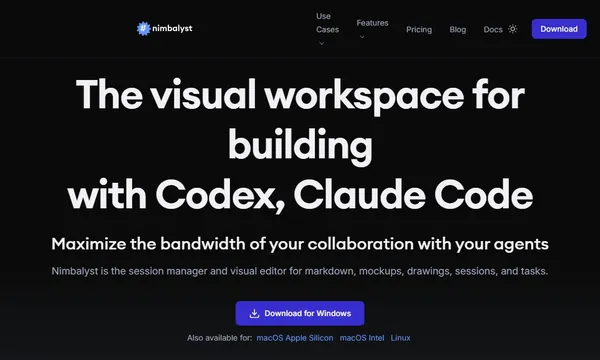
 Nimbalyst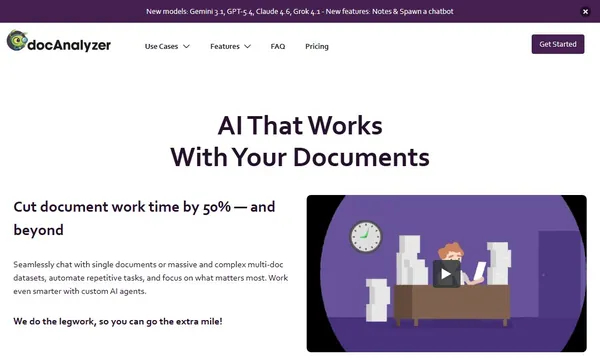
 Docanalyzer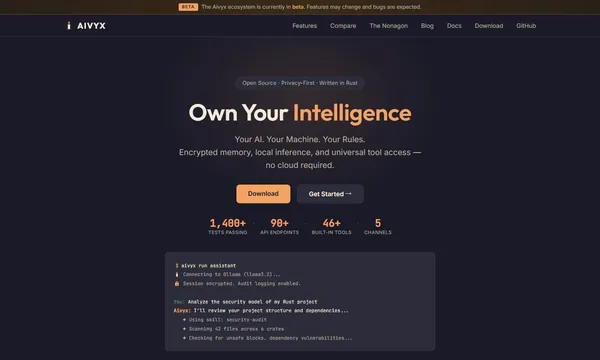
 Aivyx-studio
 Hitem3d
 Mooduna
 Modelaiz